
For the people who keep houses running
Maintenance & Service
Your week on one page — and an invoice the moment the work is done.
Today, tomorrow, the next seven days, and the work still waiting for a date. Leave knowing where you're going and what to bring.
The week ahead
Illustrative schedule · sample addresses and work
Today
9:00 AM
1847 Animas View Drive
Replace furnace filter
Carrier 58SC · 16 × 25 × 1
Confirmed
Tomorrow
10:30 AM
42 Maple Lane
Flush water heater
Rheem 50 gal · annual service
Needs confirming
Next seven days
Friday · 1:00 PM
86 Cedar Avenue
Check dryer vent
Laundry · vent and exterior outlet
Scheduled
Waiting for a date
No date set
42 Maple Lane
Replace kitchen faucet
Kitchen · ready to schedule
Unscheduled
Before you leave
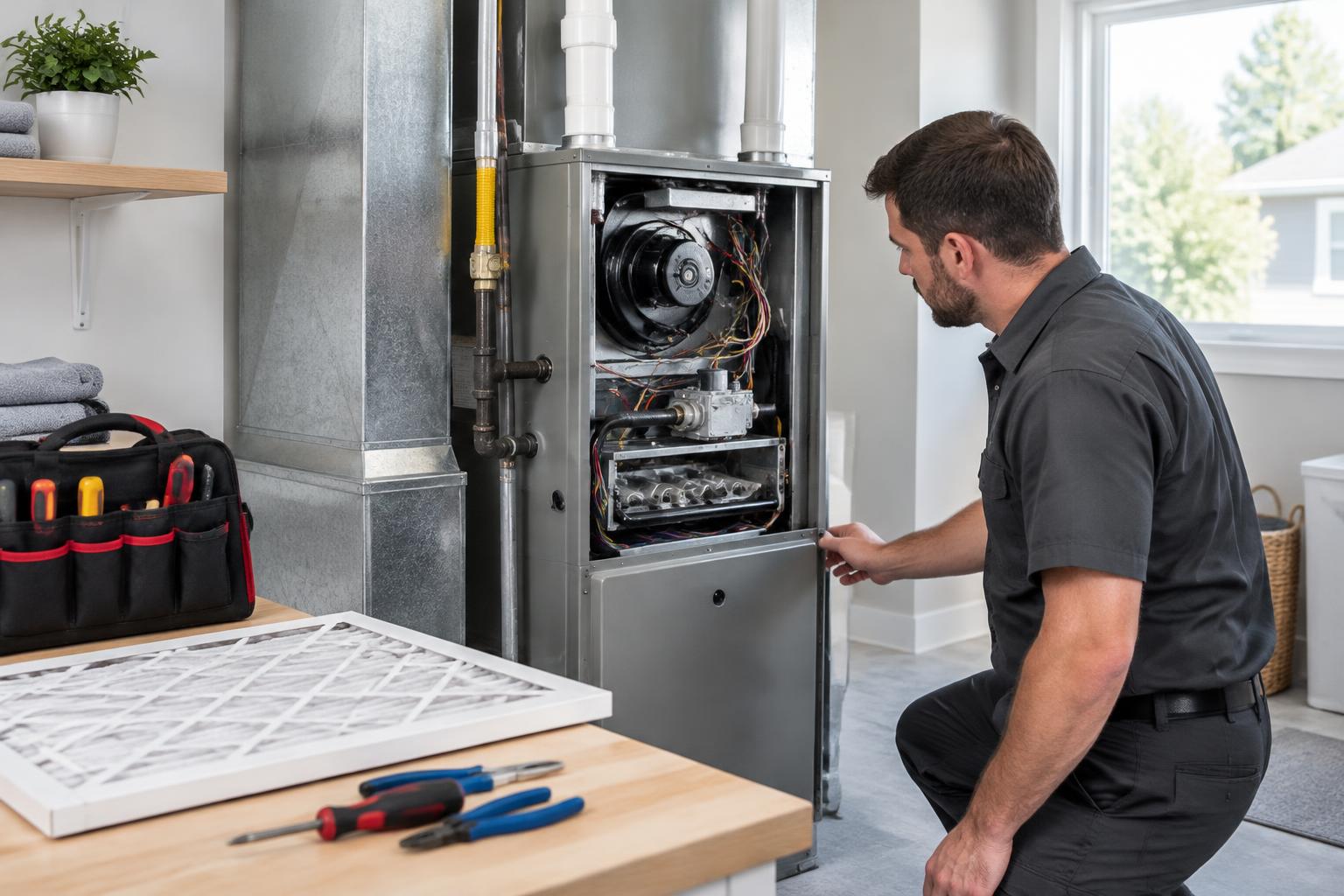
Know what to bring.
Each job lists the parts for the equipment at that address — the filter size for their furnace, not a guess. Saved equipment details and the job's bring list travel with the work.
The next visit
Confirm without chasing.
A job near its date says so. Open it, send the confirmation in one tap, and the client knows when you're coming. The visit stays on your schedule, with its confirmation status in view.
We'll see you tomorrow.
Your water heater service is scheduled for 10:30 AM at 42 Maple Lane.
Finish the job
Done, billed, paid.
Mark a job done and the invoice is offered right there. Review the work and amounts, send it to the client, and mark it paid when payment arrives. Late invoices stay visible so you know what needs chasing.
Example invoice · furnace service
The record at that address
Every house remembers.
Years of what was done, on which furnace, for how much — the thing nobody else can tell a client. A visit belongs to the house and the equipment you worked on, so the history isn't buried in an old message.
Carrier 58SC Furnace
1847 Animas View Drive · example service history
Common questions
Does it work on my phone?+
Yes. It's a web app, so it runs in your phone's browser — nothing to download, and your week, job details and photos all work on the small screen. You can also add it to your home screen so it opens like an app. And if you'd rather type on a laptop at the end of the day, everything works there too.
Can I bring my existing clients and properties in?+
You add properties and the equipment in them as you go, and you can upload a home inspection report — MaintFolio's AI pulls out the equipment, model numbers and recommended tasks automatically. There's no bulk import for an existing client list yet, so a long list means typing addresses one at a time to start.
Does this replace my scheduling app, or sit alongside it?+
It covers the week for a one-person operation: jobs by day, what to bring, confirmations, invoices and history. It doesn't do route planning, maps, or crew dispatch — so if you run a team across town, you'll likely keep your dispatch tool and use MaintFolio for the record and the paperwork.
Can my client see what I charged them?+
When you send an invoice, it goes to your client's email with the line items — they see exactly what you charged, same as a paper invoice. The service history on the record shows what was done, when, and on which equipment.
What happens to my records if I stop paying?+
Your data is yours. You can download a full export of your properties, equipment, jobs and invoices from Settings at any time. The portfolios you've set up for clients run on MaintFolio's free plan, so what's in the client's hands keeps working.
Do I need my clients to use anything?+
No. Confirmations and invoices arrive by email — they don't need an account or an app to receive them. If a client wants more, they can open a free MaintFolio account and see the full history of their home, but nothing is required of them.
How is this different from Jobber or Housecall Pro?+
They're full field-service suites: quoting, dispatching crews, payment processing, QuickBooks sync. MaintFolio is deliberately lighter — your week, the right parts at the door, confirmations, invoices, and a complete record at each house. Not yet, to be plain about it: you can't collect payment through an invoice, sync to QuickBooks, or schedule a crew here. If you need those today, run your current tool alongside.
A clearer day. A complete record.
The schedule before you leave, the right parts at the door, and the paperwork when the work is done.